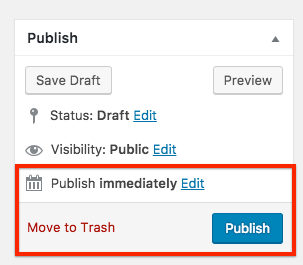
This section describes the steps for creating a new Press Release post
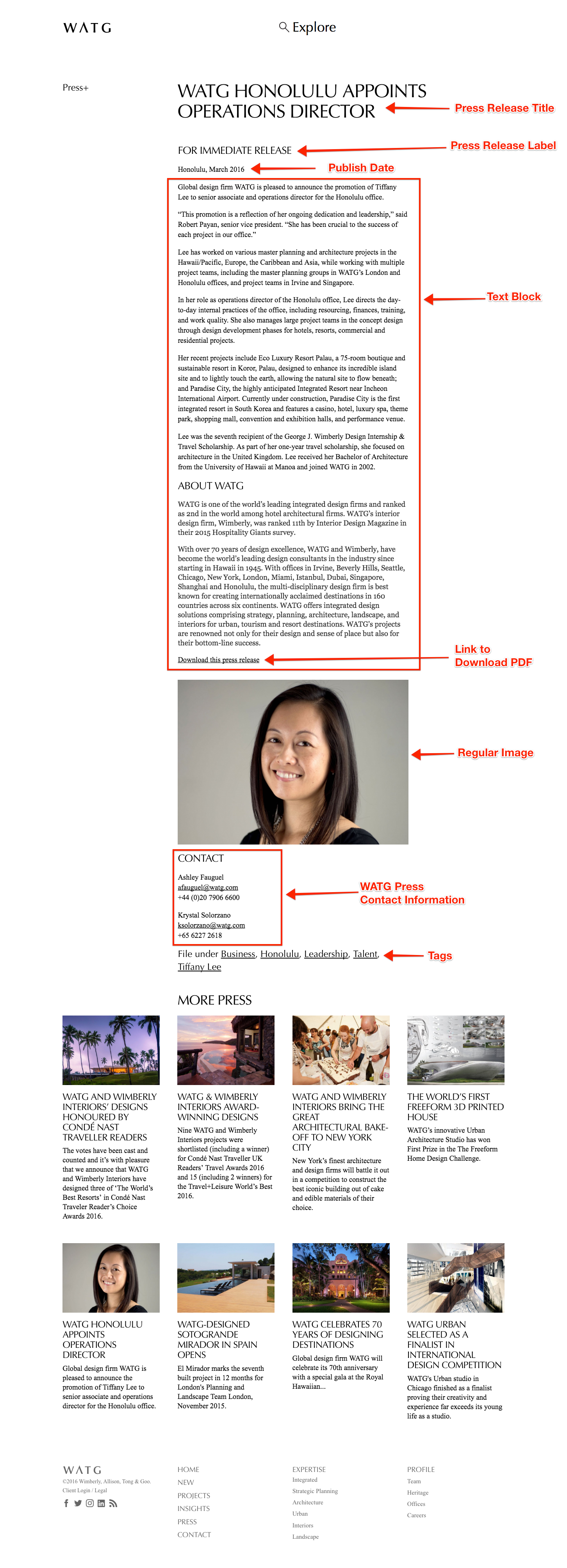
This link is an example of how a Press Release post should look once it is published:
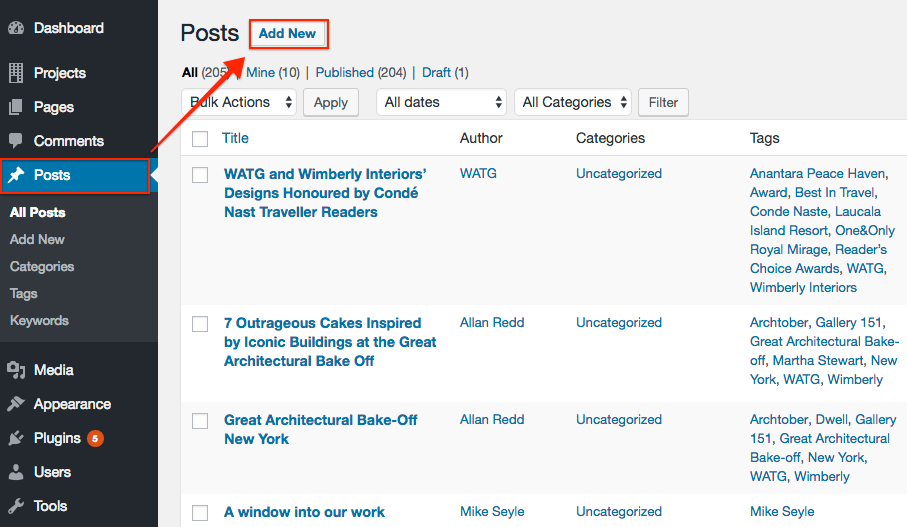
Step 1: In the Posts section, click Add New.
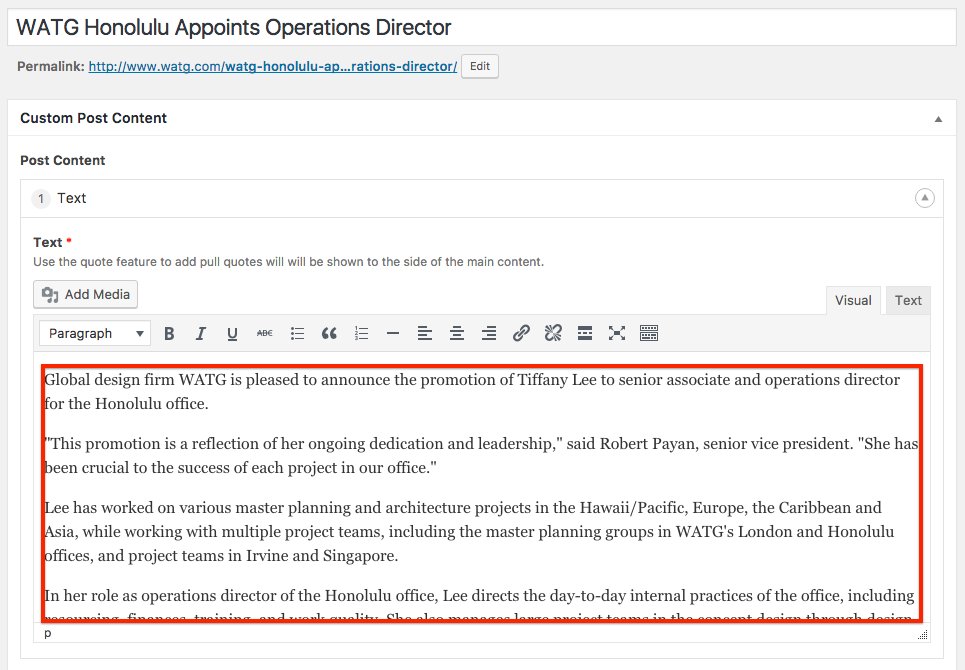
Step 2: Enter a Post Title and a Text Block
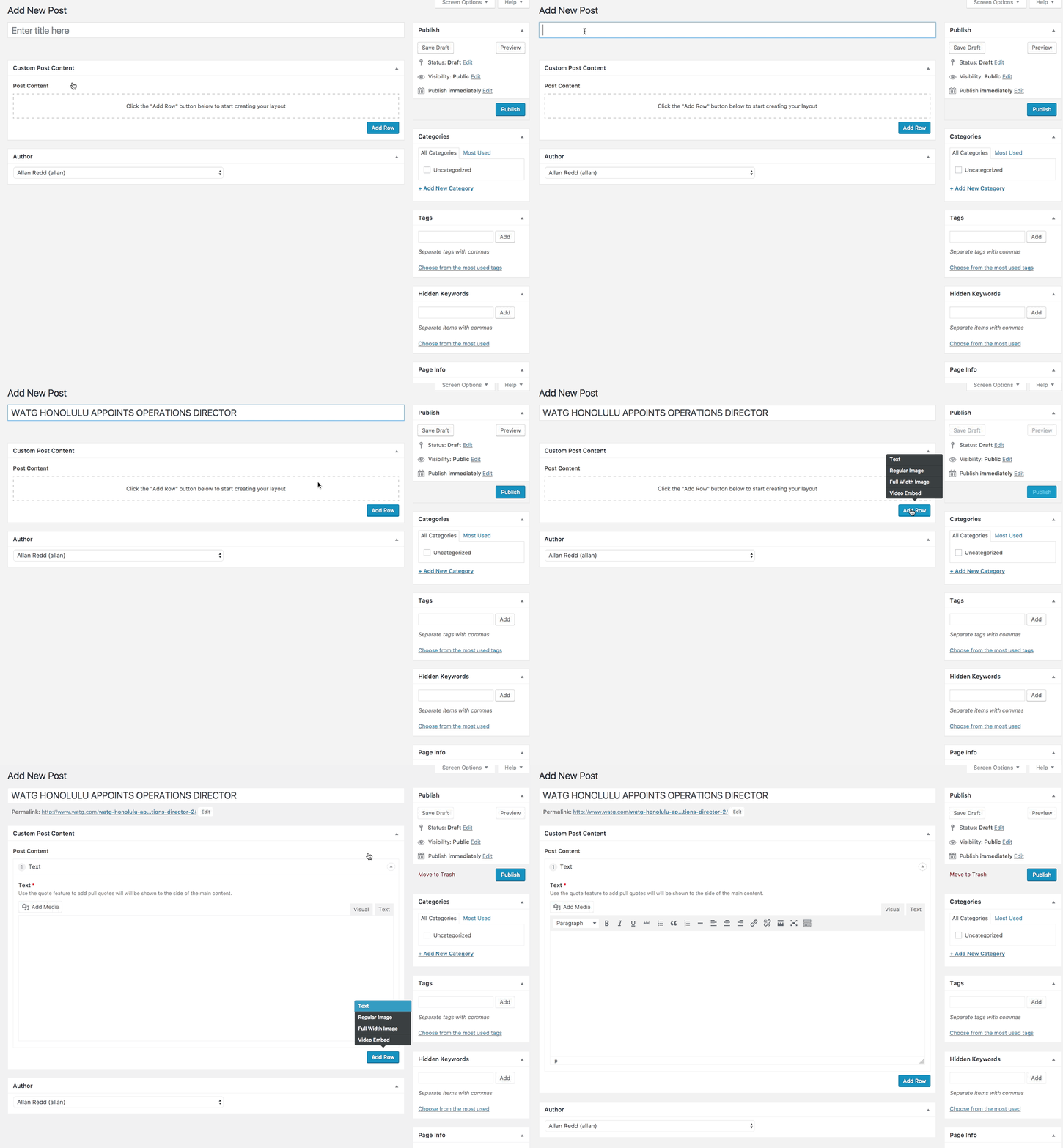
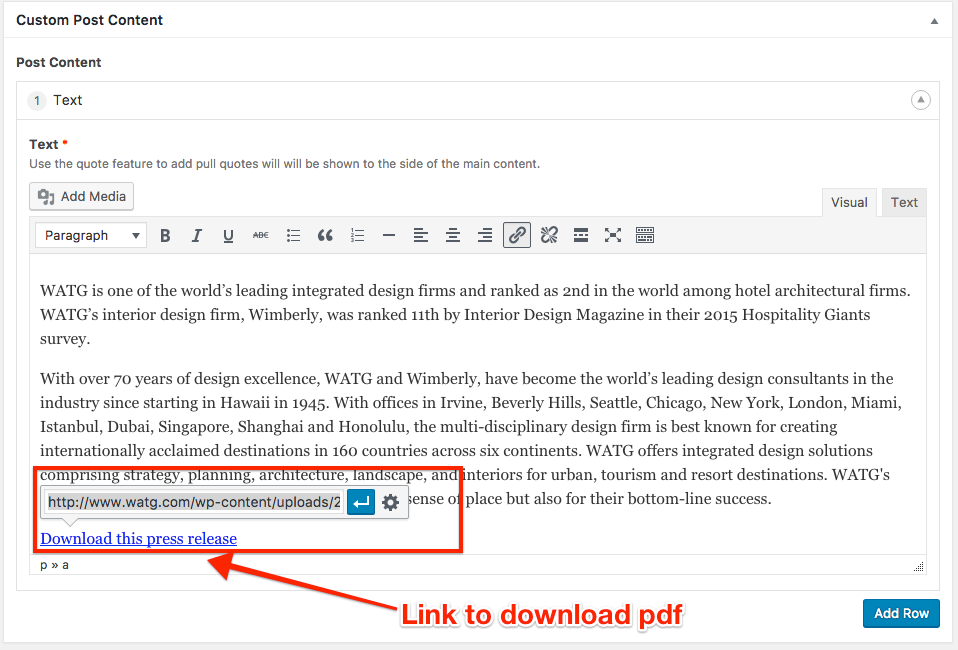
Step 3: Enter text into Text Block, include link to download pdf of Press Release
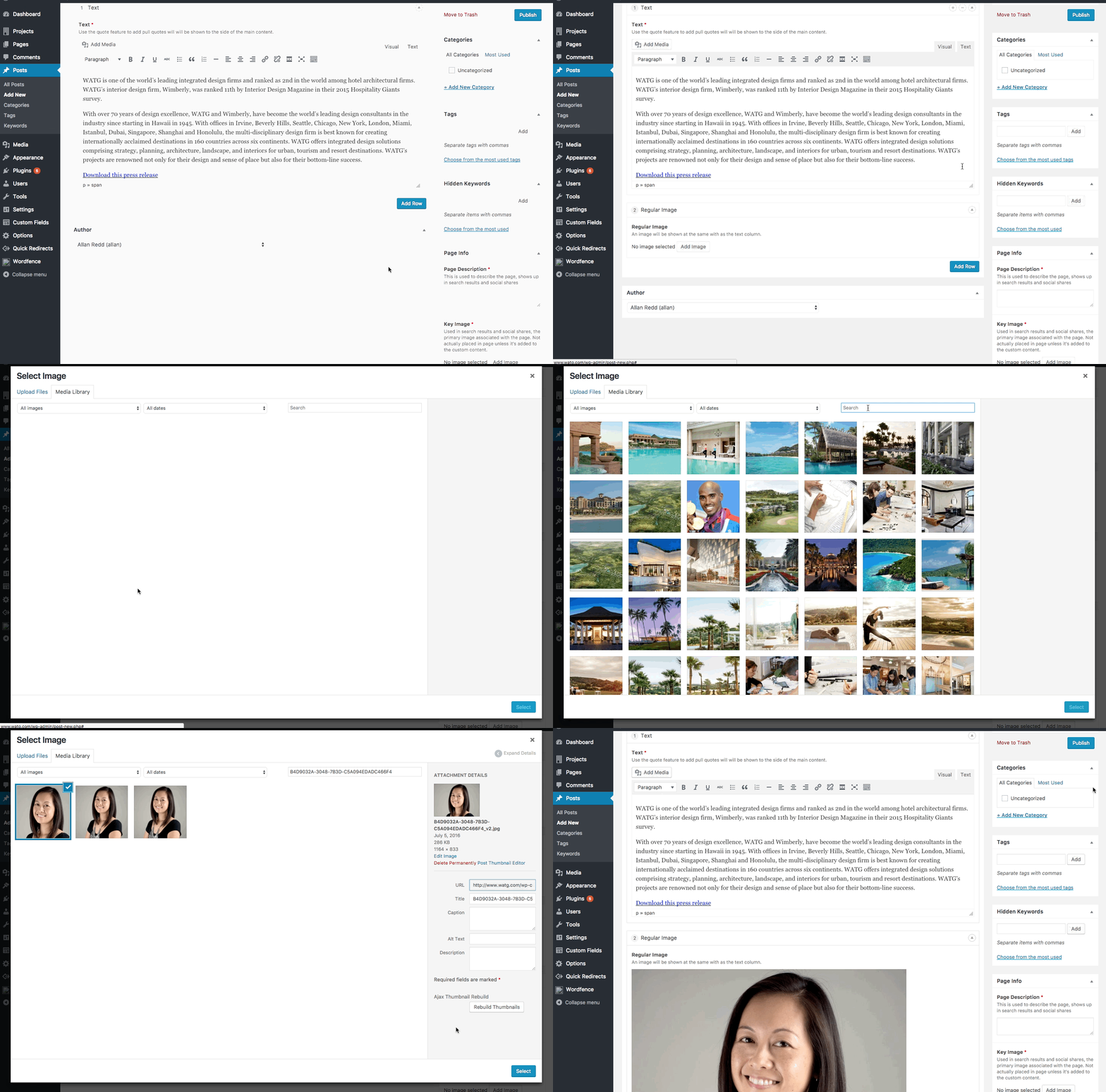
Step 4: Add related Regular Image custom content block
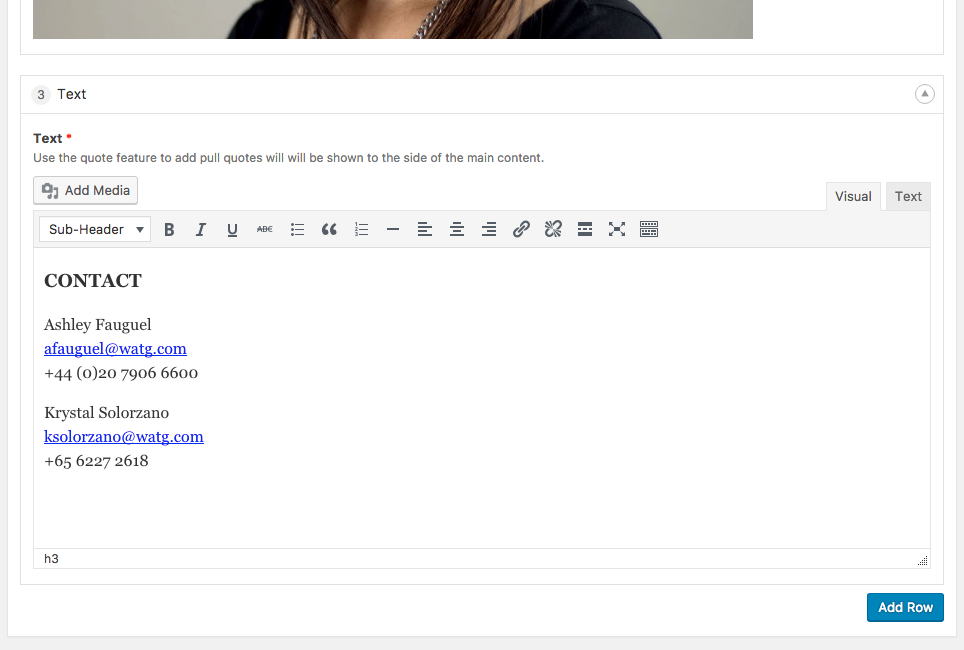
Step 5: Add another Text Block and include WATG press contact info
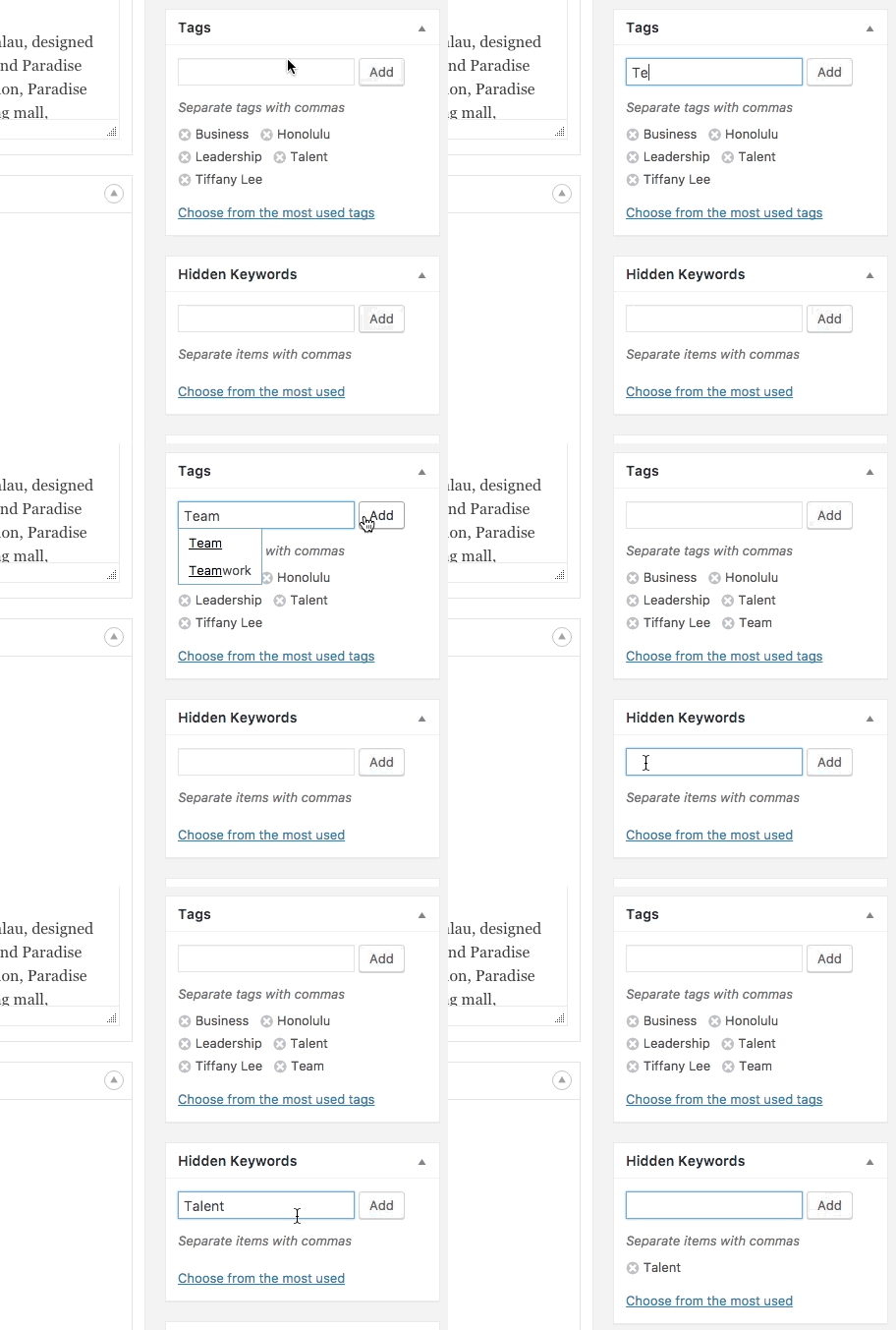
Step 6: Add tags and hidden keywords
Step 7: Enter Page Info and Key Image

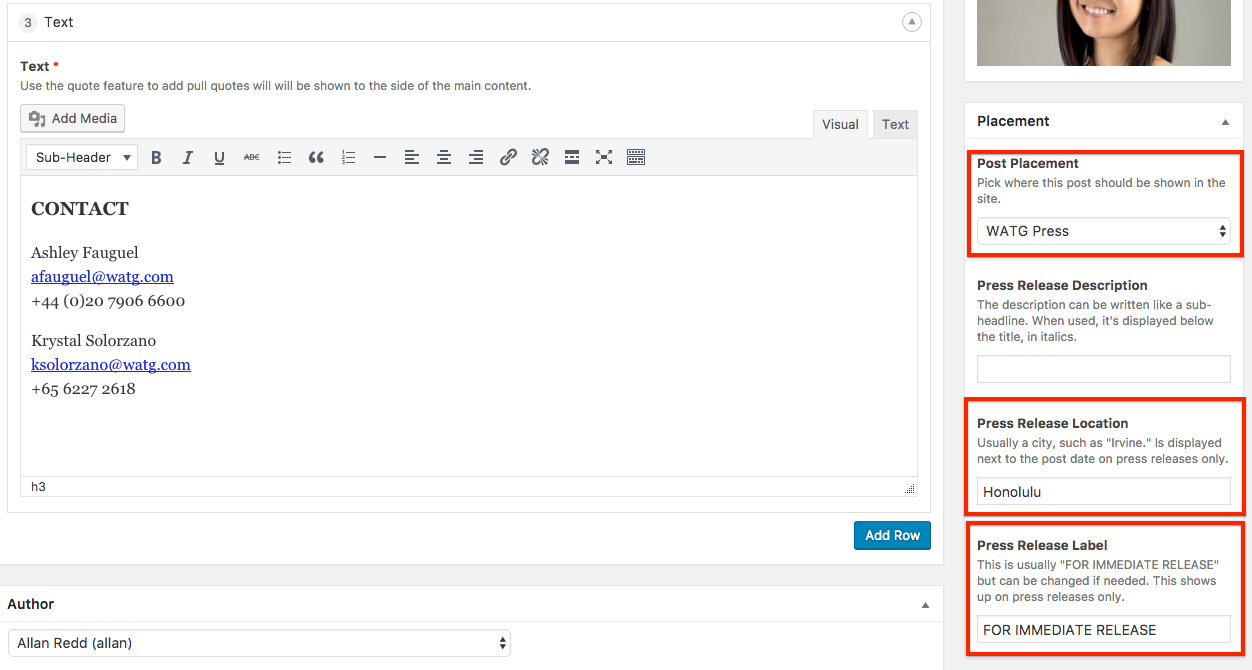
Step 8: Select Post Placement as WATG Press, enter press release location and Press Release Label
Step 9: Select a publish date and publish