Users
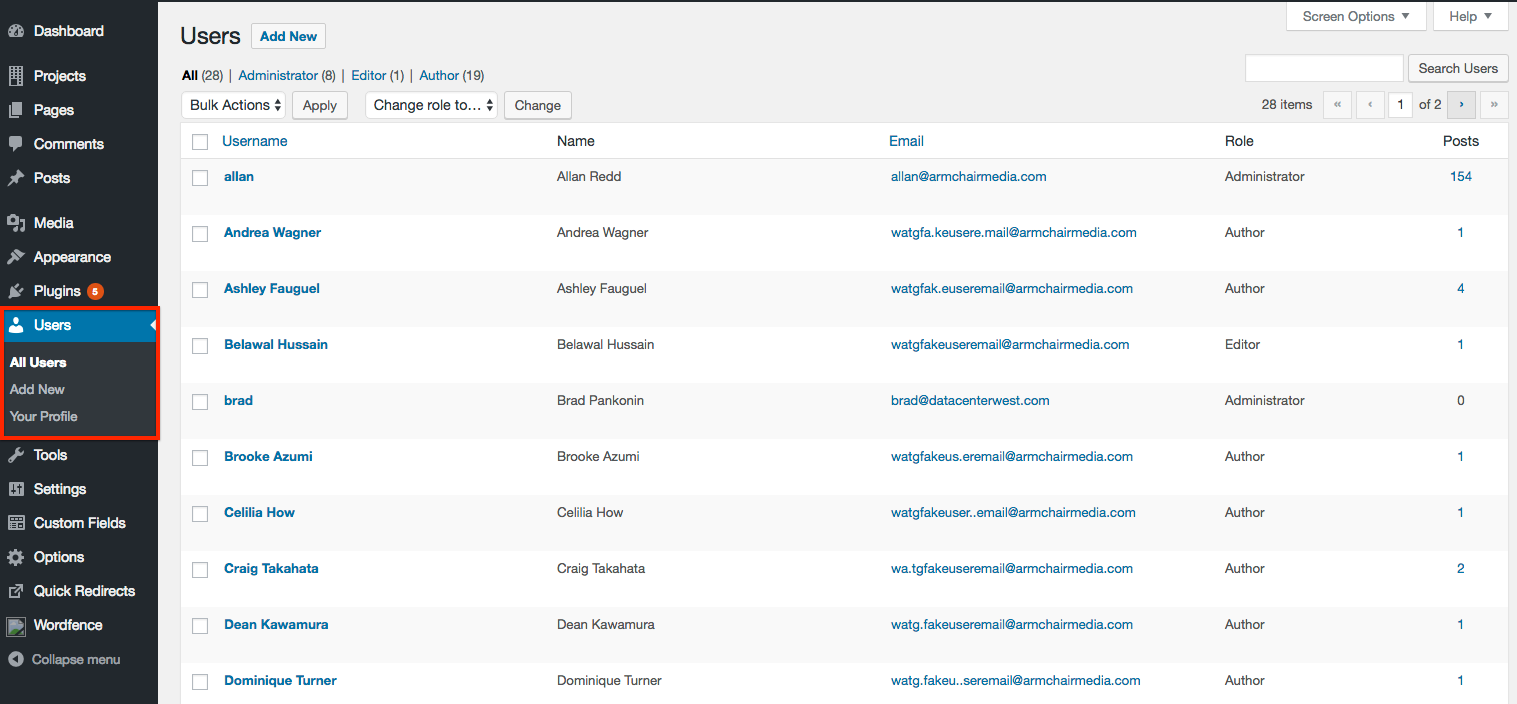
Wordpress has a powerful and thorough workflow management system. For the current WATG.com build, we're concerned with three types: Administrators, Editors and Authors.
Administrators
Administrators have full access to the WordPress CMS. They can create users, update the site, build new pages, add posts , and other functions. If an Administrator has posts attributed to them, they should have a user image added to their profile.
Editors
Editors can edit, build and publish content, but do not have any other administration powers . Editors cannot add, update or remove users. If an Editor has posts attributed to them, they should have a user image added to their profile.
Authors
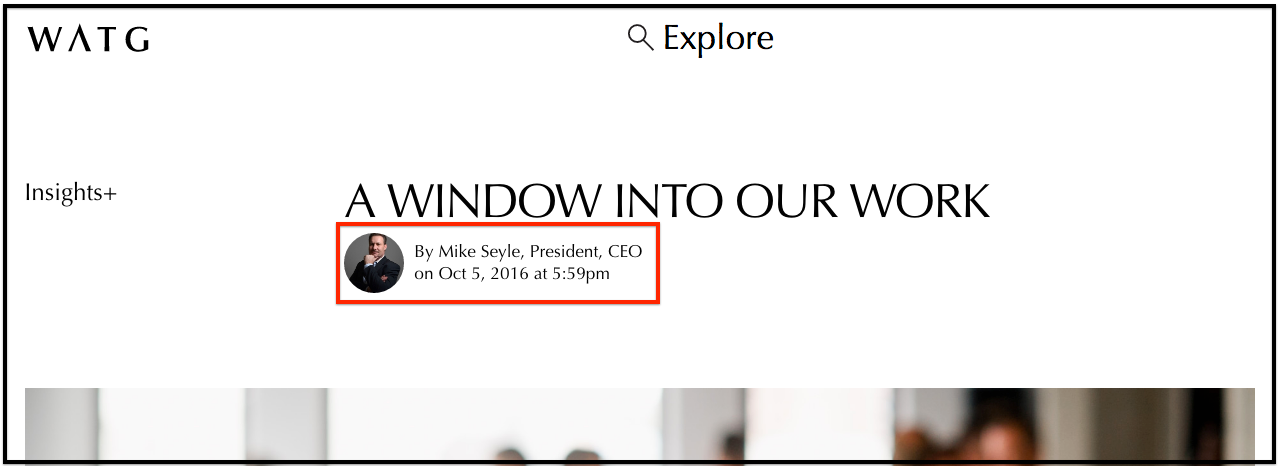
Our use of the author type allows Administrators and Editors to attribute a Post to people who do not have site access. For example, Mike Seyle does not have a login to the system, but we may publish and attribute content on his behalf.
Creating a new user
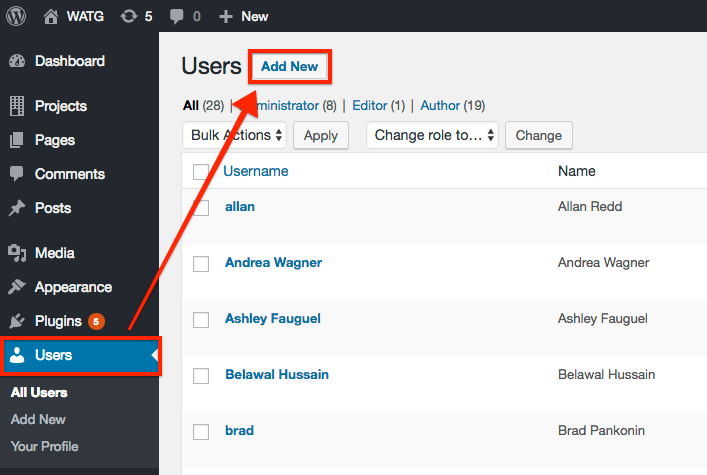
Step 1: In the Users section, click Add New, then fill out their info. The system will autogenerate a password. For Authors, you can use a fake email address like "watguser72@watg.com" "watguser73@watg.com" and so on – this will be ignored for our purposes. Authors attributed to Posts should have a profile image included.
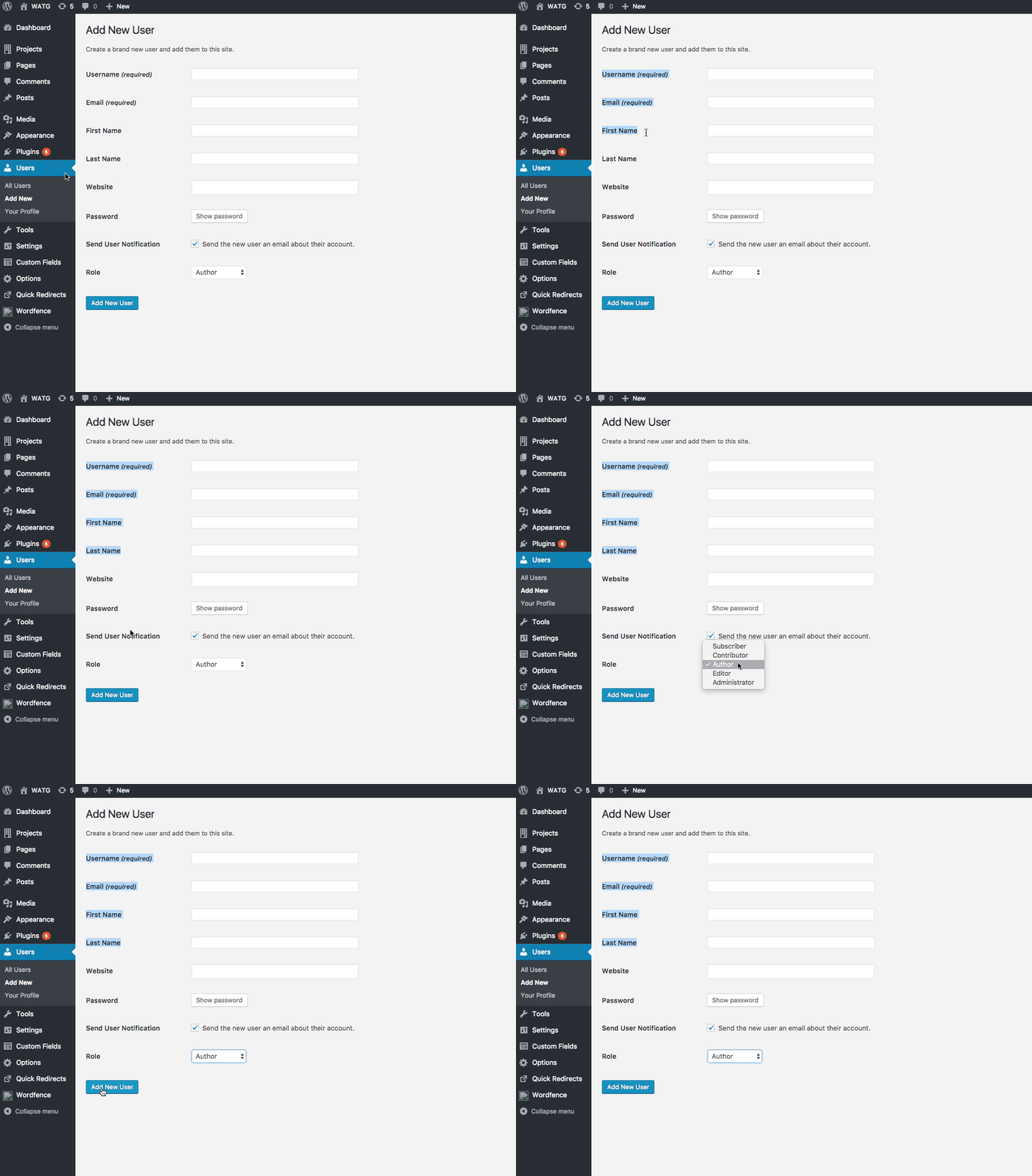
Step 2: Fill in all information and click Add New User.